WhatsApp Tutorials
WhatsApp Carousel Template: Show Several Products in One Message
Build a WhatsApp carousel template in InboundSage: 2 to 10 swipeable cards, each with its own image, text and buttons, plus a short intro. Get it approved and send it in a broadcast. With a 1-minute video.
Padmesh Bhavsar · Founder, InboundSage · 4 November 2026 · 4 min read
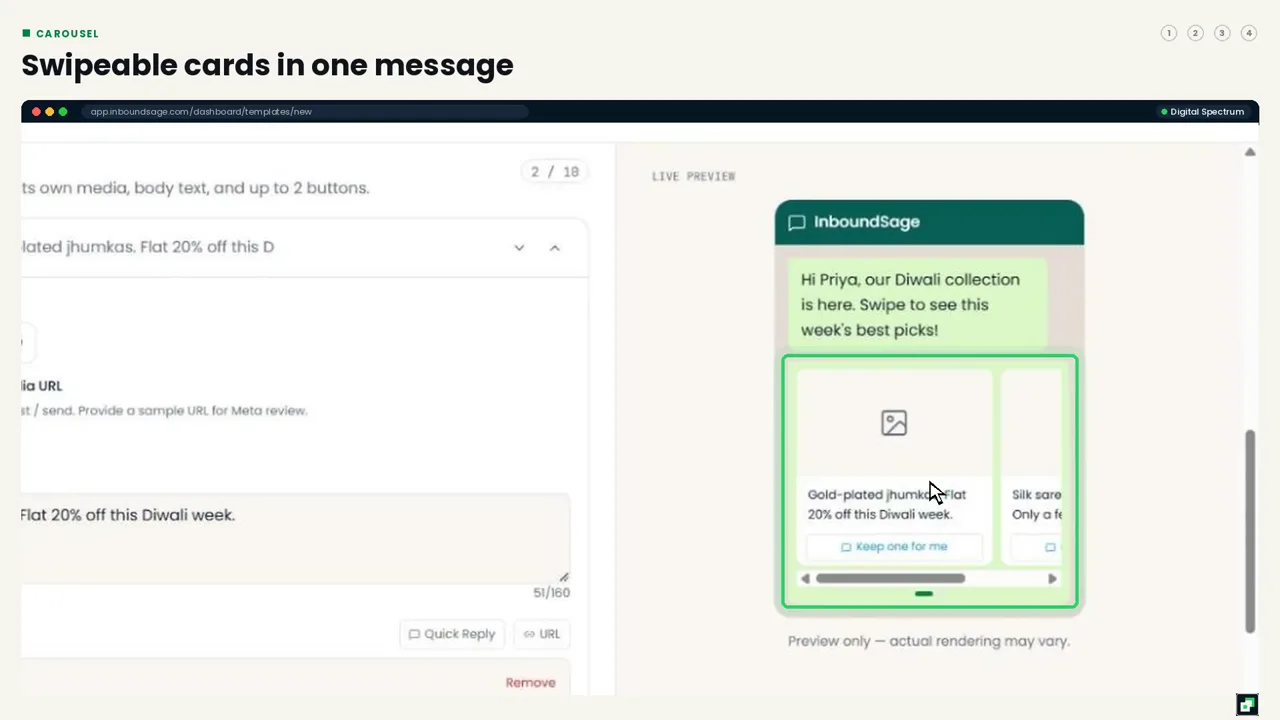
A normal WhatsApp message can show one image. A carousel shows up to ten: cards your customer swipes through, each with its own picture, short text and buttons. It's ideal for a festive collection, a menu, room types or a set of services.
Here's how to build one in InboundSage. The video above walks through it in under a minute.
Step 1: Pick Carousel
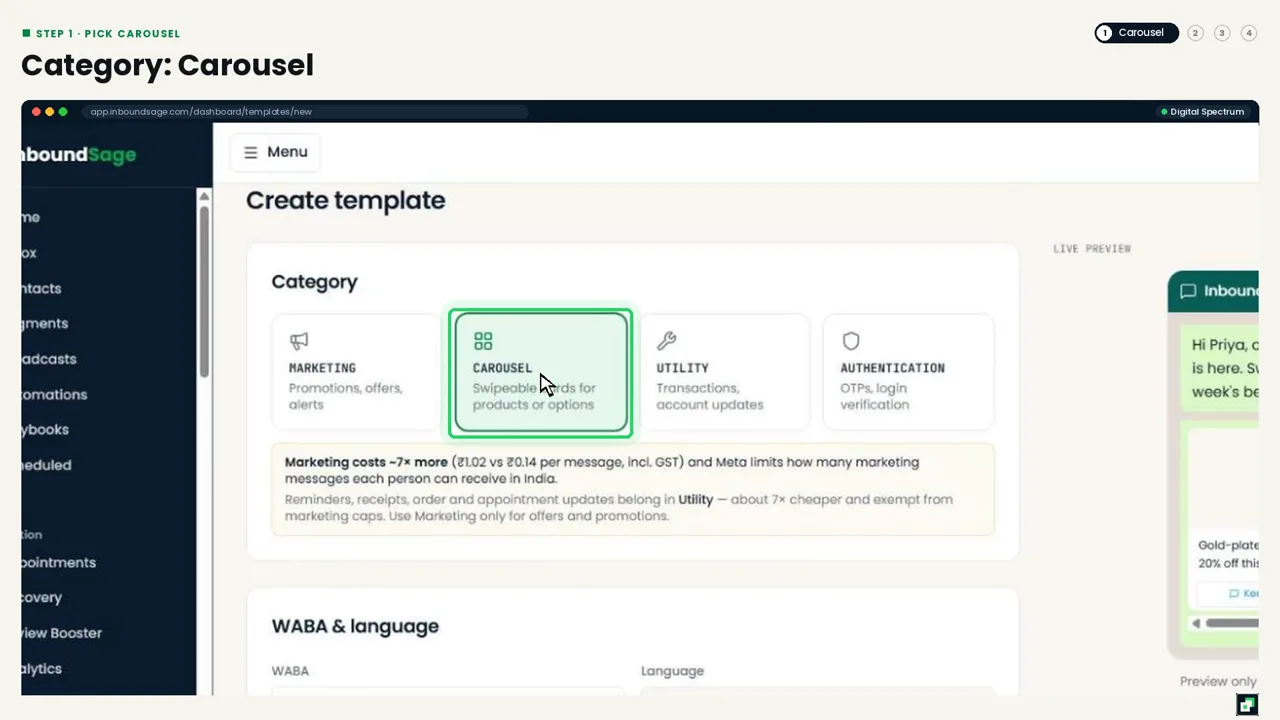
Go to Templates → Create template and choose Carousel. Name it in lowercase with underscores, like diwali_collection_2026, and pick the language.
Step 2: Build the cards
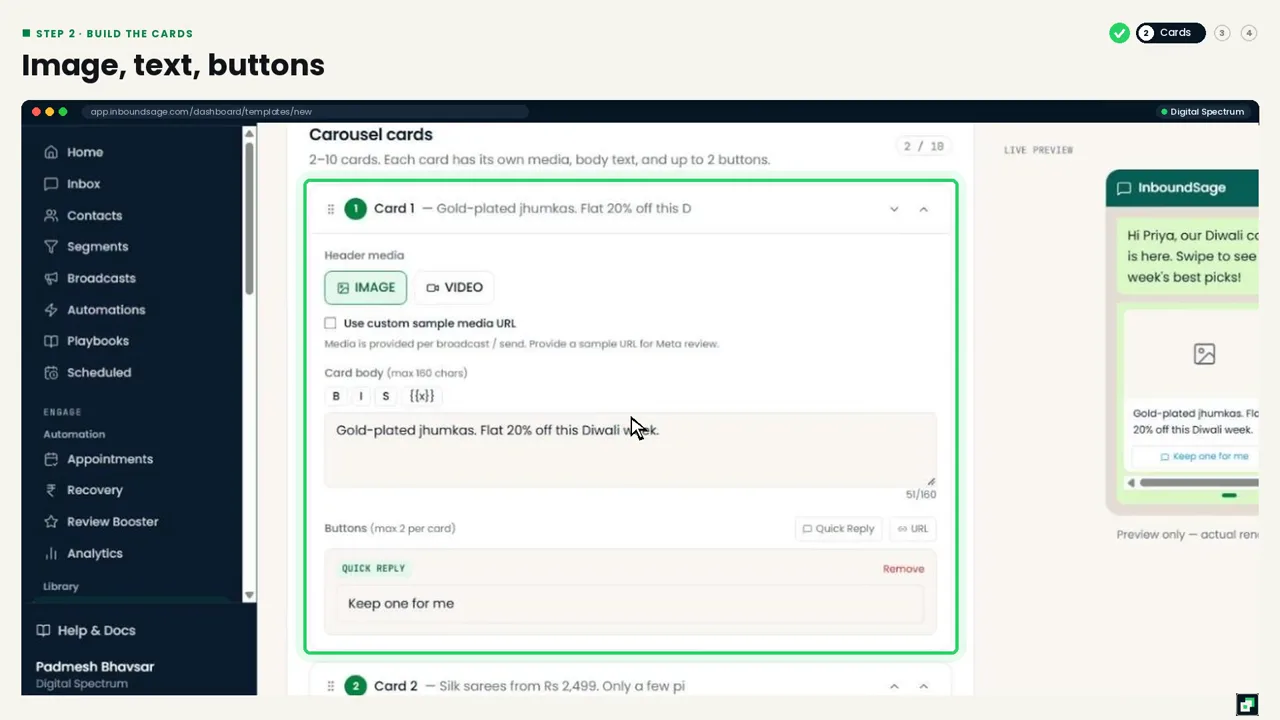
Each card has:
- An image or video header.
- A short card body, up to 160 characters.
- Up to 2 buttons: Quick Reply or URL.
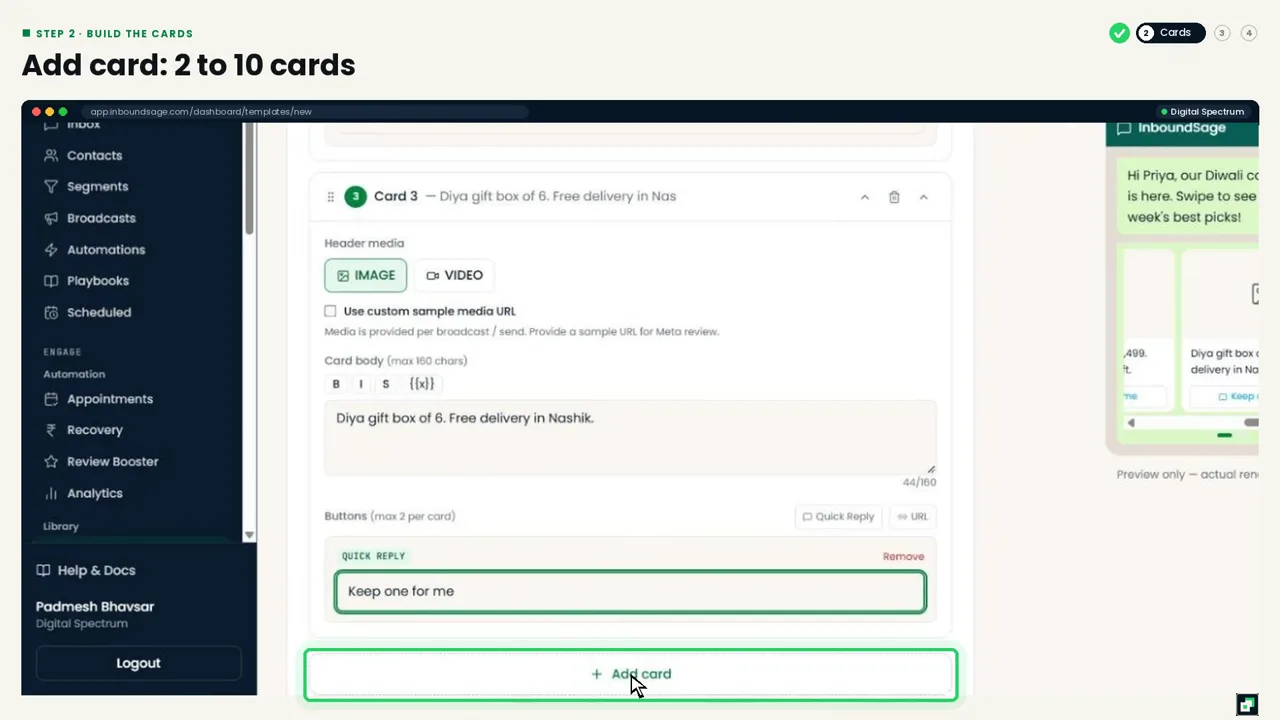
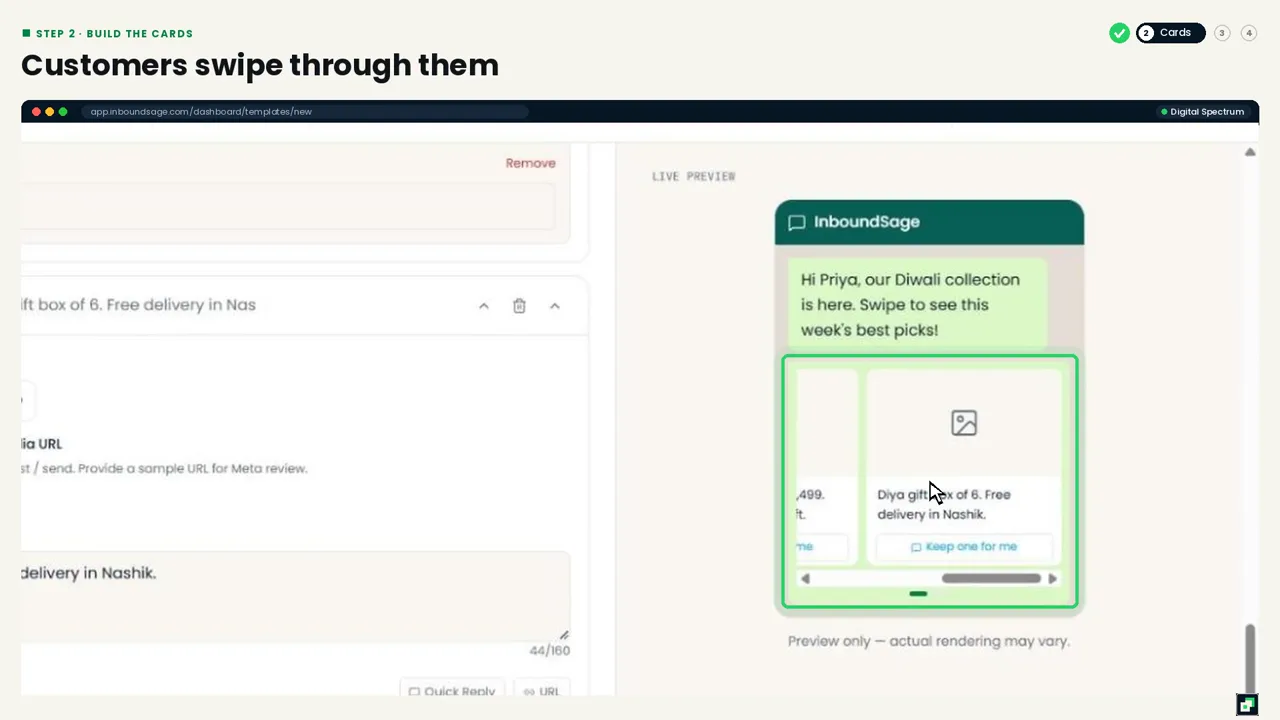
Use the same button types on every card; Meta requires it. Click Add card for more, from 2 up to 10 cards. The live preview shows how customers will swipe through them.
Step 3: Add a short intro and submit
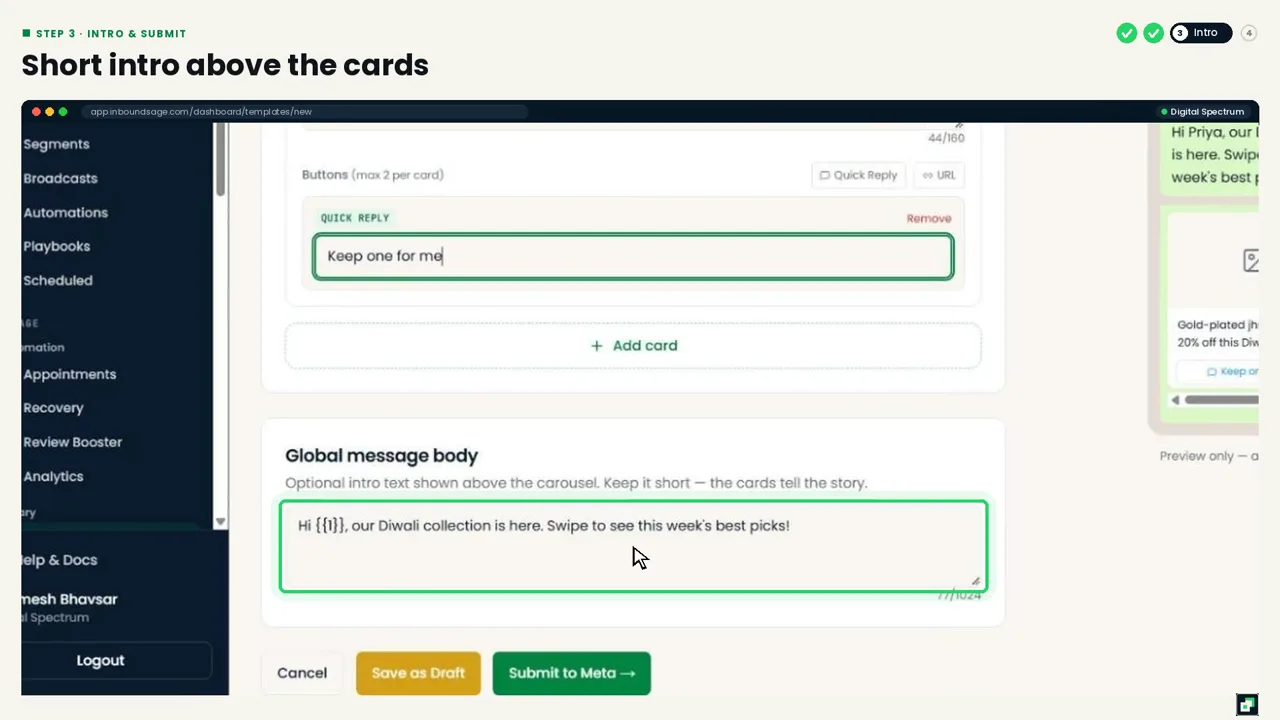
The Global message body appears above the cards. Keep it to one or two lines, and add the customer's name with a variable if you like: "Hi {{1}}, our Diwali collection is here. Swipe to see this week's best picks!" Then click Submit to Meta.
Step 4: Send it in a broadcast
Click Sync from Meta on the Templates list. Once it's Approved, choose it in a broadcast. The card images are added when you send, so one approved template can be reused for every festival and every new collection.
Tips
- Use the same image size for every card (square works best) so the carousel looks even.
- Put the strongest product on card 1; many customers don't swipe past the first two.
- Carousel templates are Marketing messages, so send them to a segment that's likely to buy, not your whole list.
FAQ
How many cards can a carousel have?
Between 2 and 10.
Can each card have different buttons?
Each card can have different button text, but every card must have the same button types.
Can I use video in a card?
Yes. Each card's header can be an image or a video.
New to templates?
Start with how to create a template that gets approved.
Try it on your own WhatsApp number
InboundSage is a Verified Meta Tech Provider platform for Indian businesses: broadcasts, segments, keyword auto-replies, appointment booking and a team inbox, on your own WhatsApp Business number. Set it up in an evening.